Share your home and invite people
Evenchores works on one phone for free. To share the list with the people you live with, you invite them: no accounts, no passwords, no email addresses.
Before you invite
Sharing needs a plan, and one plan covers the whole home (up to 10 people): monthly, yearly with a 7-day free trial, or pay once. Whoever buys it, everyone in the home shares it. The people you invite never pay anything.
Send the invite
- Open Household (tap your avatar at the top right).
- Under Share this home, tap Invite people.
- Send the link with Share link (a message, an email, a chat), or let them scan the QR code in Evenchores if they’re next to you.
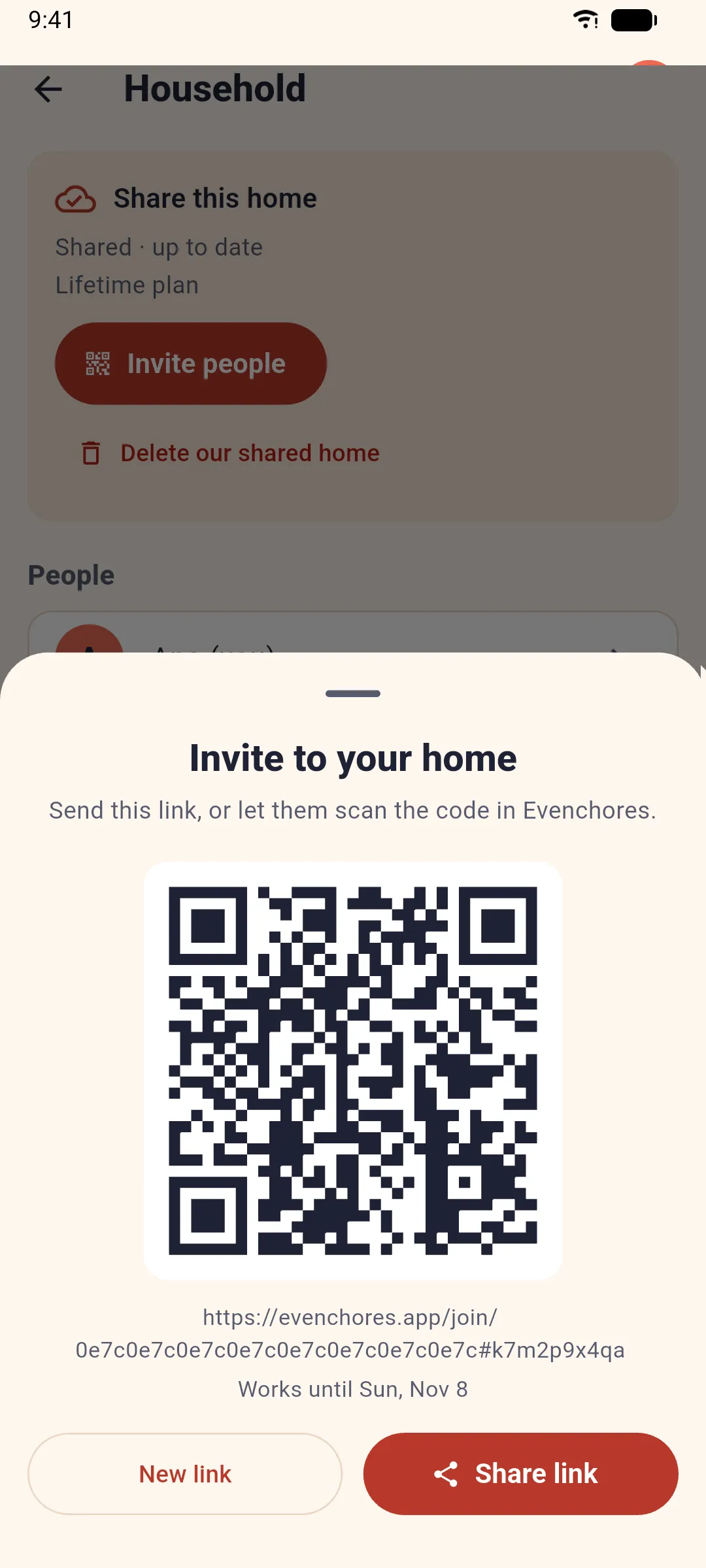
An invite link works for 7 days. Need another? Tap New link; your last few links keep working until they expire.
What they do
They open the link on their Android phone. If they have Evenchores, it opens straight into the invite; if not, the link’s page tells them how to get it. The app then asks Who are you?
- This is me: when you already added them under Household (with Add a person), they pick their own name and keep its color and history.
- I’m new: they type their name and pick a color and, if they like, an icon (colors and icons already taken in the home are locked).
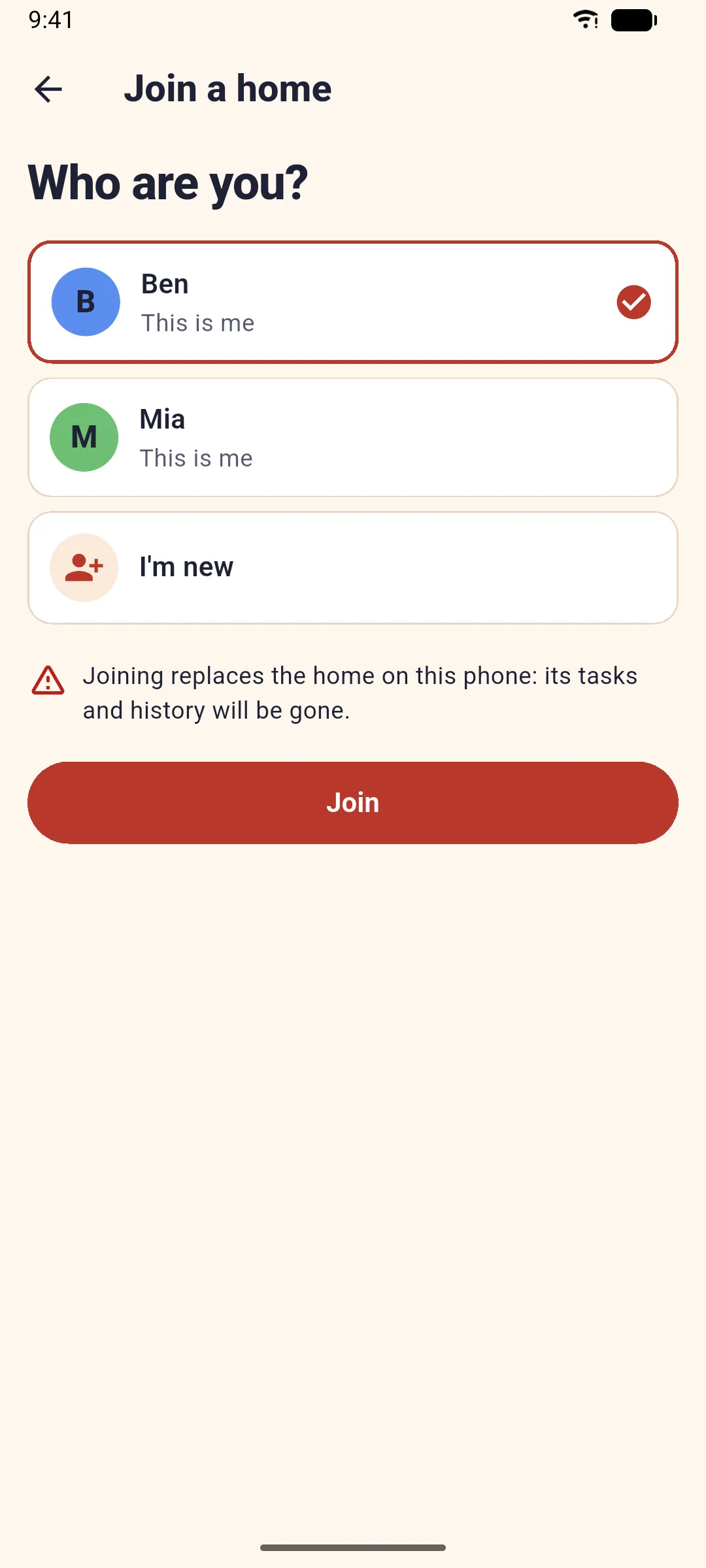
Joining replaces whatever home was on their phone before, so the app warns them first.
After they join
Everyone’s phone shows the same list. When someone checks off a chore, the others see it within seconds, and the Split tab counts it for the person who did it.
Someone moved out? Open Household, tap their name and Remove from home: their past chores stay in the history.
Related: New phone or a reinstall.