New phone or reinstalled the app
Evenchores has no accounts, so your place in the home lives on your phone. On a new phone, or after reinstalling the app, you join again — as yourself, not as someone new.
What to do
You need someone else in the home for a minute.
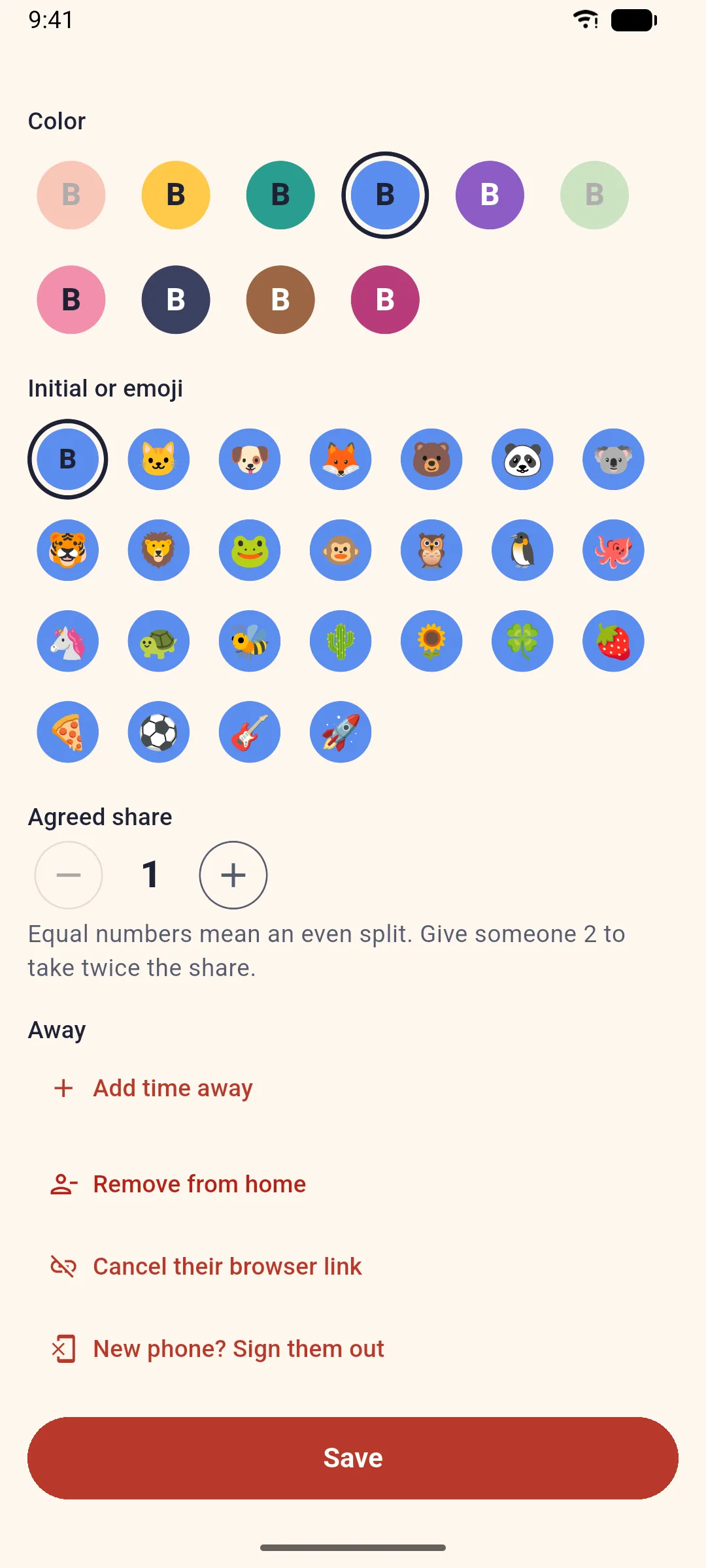
- On their phone: Household → tap your name → New phone? Sign them out. Your old phone (and any browser you used) stops syncing. You stay in the home with your chores and history.
- On their phone: Household → Invite people → Share link, and send the link to you.
- On your new phone: open the link and pick This is me with your name.
That’s it: your color, icon, history and share of the split are back.
Why it works this way
Each phone in a home holds its own key. Signing the old phone out cancels its key, so a lost or sold phone can’t keep seeing your home. Until then, your name isn’t offered under “This is me”, because it’s still taken by the old phone.
If you’re the only one in the home
Nobody else can sign your old phone out, so start again: open Evenchores on the new phone and set up your home. If your home had a plan, write to us and we’ll help.
Related: Share your home and invite people.